Guide
What to put in your Google Business Profile services section
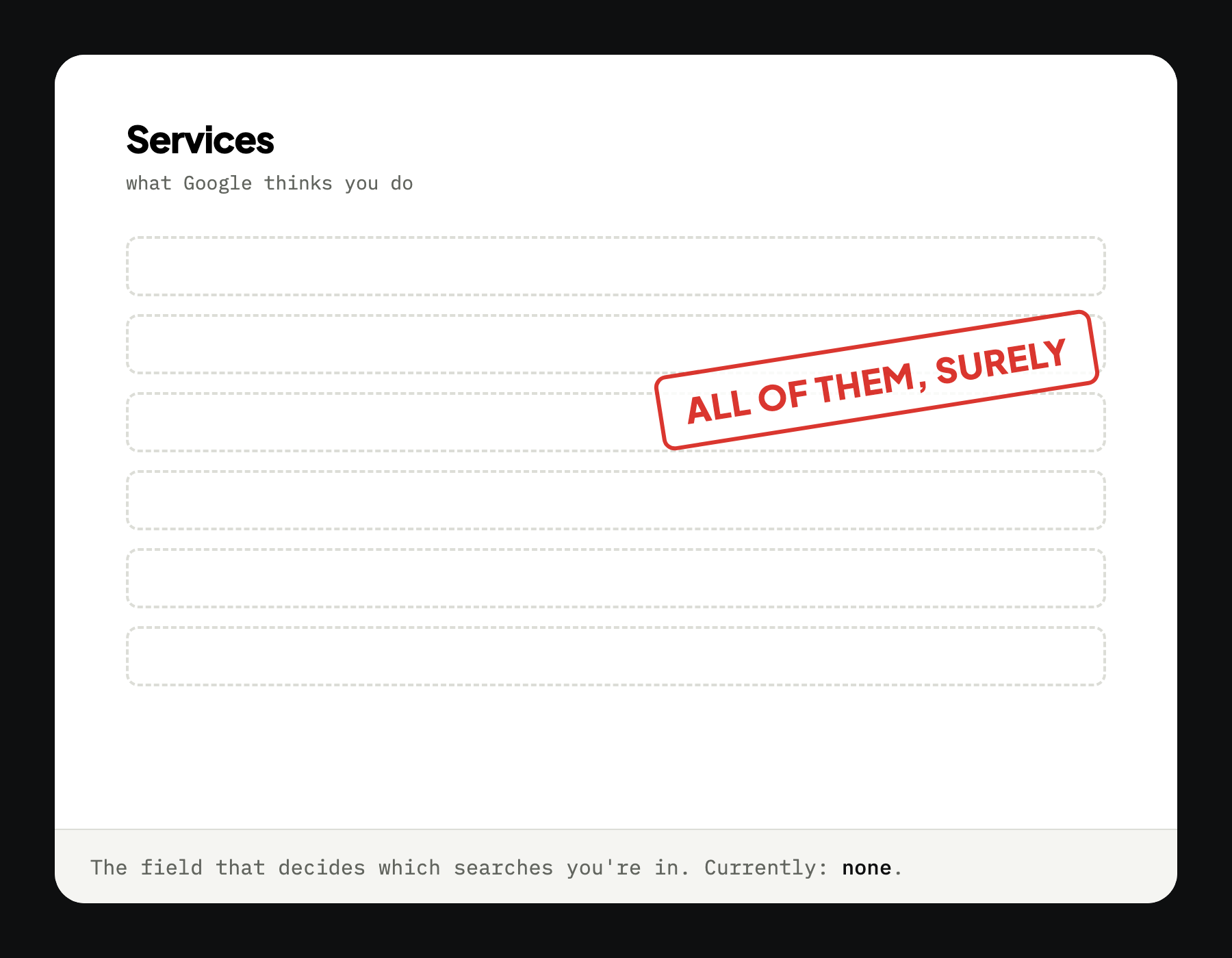
It is free, it takes about twenty minutes, and it is the field that decides which searches you belong in. Most profiles have it blank.
Short answer: list every job you actually do, using the words a customer would type rather than trade language. Blocked drain, not drainage services. Twenty to thirty entries is reasonable, and it takes about twenty minutes.
What the section actually does
Google names relevance as one of three local ranking factors: how well your profile matches what somebody typed. The services section is the main place you get to tell it what you do.
Leave it blank and you are not losing to the businesses above you. You are not entered. That is a meaningfully different problem, and a much easier one, because the fix is free and takes an afternoon at worst.
It is the most common fixable gap we find, and it is the one owners are most surprised by, usually because nothing about the interface suggests it matters.
Use their words, not yours
This is where most people who do fill it in go wrong. The trade has one vocabulary, customers have another, and Google matches against theirs.
- Furnace repair, not HVAC solutions
- Blocked drain, not drainage services
- Leaking roof, not roofing systems
- Panel upgrade, not electrical infrastructure
Nobody has ever typed “drainage services” into a phone at eleven at night. They type what is happening to them, usually in about four words, often with a typo.
If you want the real list, it is already in your phone: read back what customers wrote when they texted you. That is the vocabulary.
How to fill it in
Profile › Edit services › Add service
Google offers a list of suggested services for your category. Take the ones that fit, then add your own with Add custom service: the custom ones are usually where the specific, high-intent phrases live.
Work through it in one sitting:
- Accept every suggested service you actually do
- Add custom entries for the jobs that make you money, in customer words
- Add the emergency versions separately: emergency furnace repair is a different search from furnace repair, at a different hour, from somebody in a different mood
- Write short descriptions for your top five only
How many, and what to leave out
Twenty to thirty entries is a reasonable target for most trades. Enough to cover what you do, not so many that it becomes a fantasy list.
Leave out anything you do not want to be called about. Every service you list is a phone call you might get at seven on a Sunday, and “we don't really do that” is a bad first sentence with a stranger.
Leave out anything you are not licensed for. That one is not a marketing consideration.
The category matters more
While you are in there: check your primary category. It is the single strongest signal on the profile, and it is set once during setup and then never looked at again.
If you are a roofer and it says Contractor, you are competing with every trade in town for searches nobody performs. Roofing contractor takes thirty seconds to select.
Profile › Edit profile › Business category
Give it time. Google does not re-rank the moment you hit save. Changes typically take days to a few weeks to settle. Fill it in properly, then leave it alone rather than tinkering weekly.
See where you stand
We will tell you whether your services section is doing anything, whether your category is the right one, and the two things worth fixing first. Free, before you pay us anything.