Guide
Your Google Business Profile is suspended. Now what?
It happens without warning and without much of an explanation. The good news is the causes are boringly predictable, and most of them are fixable.
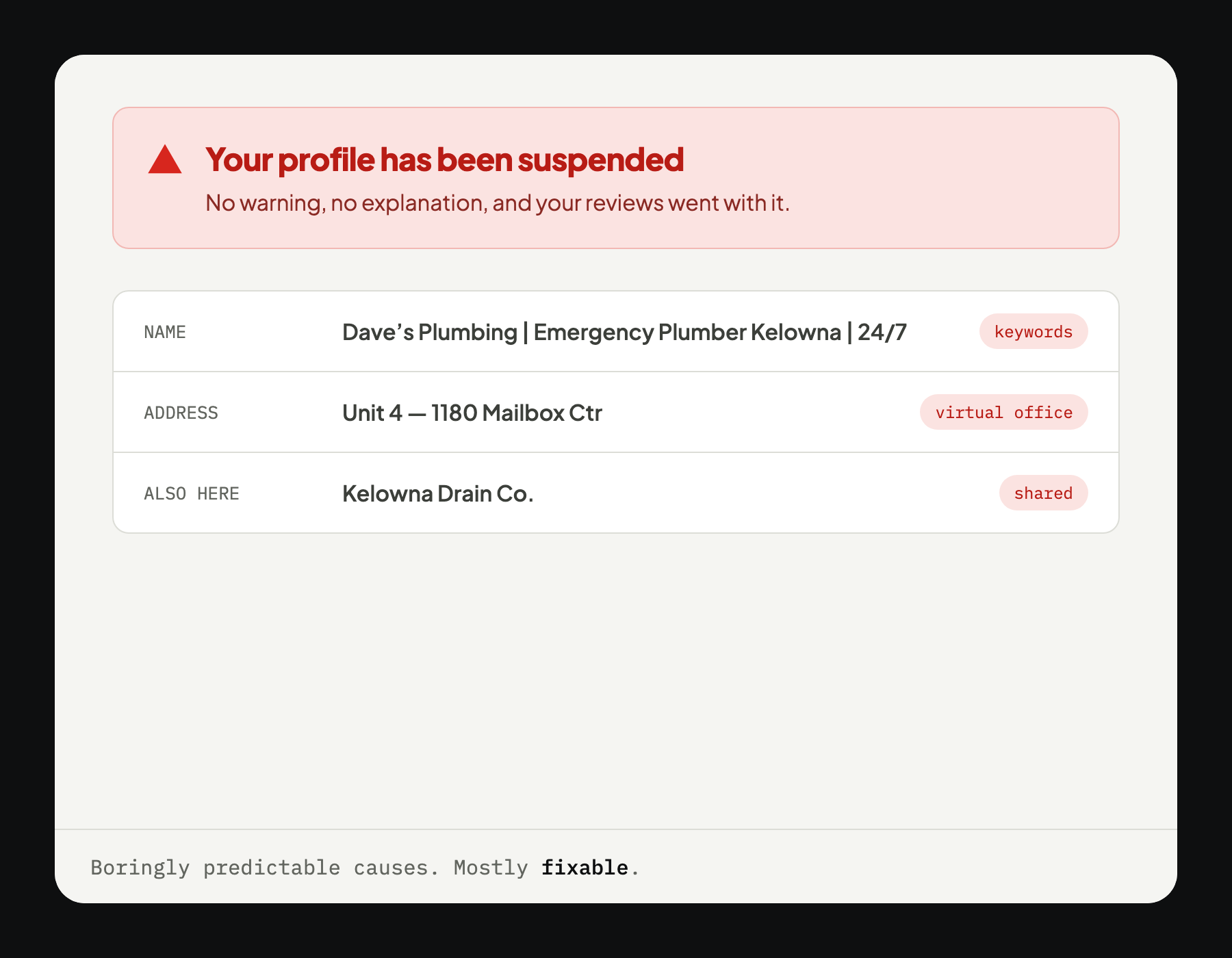
Short answer: fix the violation first, then appeal. Appealing without changing anything almost always fails. The usual causes are a keyword-stuffed business name, an address customers do not visit, a mailbox or virtual office, or two businesses at one address.
Make sure it's actually suspended
Sign in to your Google Business Profile. A suspension shows as a notice at the top of the dashboard. Two things that are not suspensions and get mistaken for one:
- You cannot find yourself in search. That is usually an incomplete profile, not a suspended one
- Your profile says “pending verification”. That is the verification queue, which is slow and normal
Soft and hard suspensions
The difference decides how worried to be.
- Soft. The listing is still on Maps, but you have lost the ability to manage it. Annoying, usually straightforward to appeal
- Hard. The listing is gone from Maps entirely, along with your reviews. This is the one worth dropping everything for
Why it happened
Suspensions feel arbitrary and mostly are not. In rough order:
Keywords in the business name
“Dave's Plumbing | Emergency Plumber Kelowna | 24/7” is not a business name. Google's guidelines require your real-world name, the one on the van and the invoice. This is the single most common cause and one of the easiest to fix.
An address customers don't visit
A home, a lock-up, a yard nobody comes to. If customers do not come to you, the address should be hidden and service areas set instead.
A mailbox or virtual office
Both are excluded by the guidelines and both are well known to the people reviewing appeals. There is no version of this that works long-term.
Two businesses at one address
Particularly in the same category. If you and your brother-in-law run separate trades from one yard, expect attention.
A regulated category
Some categories require a licence, and a mismatch between the category and what Google can verify about you triggers a review.
Lots of edits at once
Changing the name, address, category and phone number in one afternoon looks like a hijacked listing, because that is what a hijacked listing looks like.
How to appeal
Order matters more than anything else here.
- Fix the violation first. Appealing an unchanged profile almost always fails, and you have spent one of your attempts
- Gather evidence: business licence, a utility bill at the address, signage, vehicle livery, insurance. Photos are fine
- Submit the appeal form from the notice in your dashboard
- Then wait. There is no published timeframe. Submitting again does not speed it up and repeat appeals can count against you
Be plain in the form. State what the business is, where it operates, what was wrong, and what you changed. This is read by somebody working through a queue, not by an algorithm that rewards enthusiasm.
Do not create a second profile. It is the instinct and it is the worst available move. Duplicates created around a suspension tend to take both listings down and your review history with them.
What to do while you wait
The waiting is the part people handle badly. Useful things to do with it:
- Check your details across the web. Your name and number on other sites should match what you are claiming to Google. In one audit we ran, 21 of 23 directories had nothing at all, and the one that did carried an old company name and a wrong digit
- Make sure your website works as a landing point. If the profile is your only presence, a suspension is total. This is the argument for owning a site that nobody makes until the week they need it
- Keep asking for reviews. They will attach when the profile returns
See where you stand
We will check your profile against the things that commonly trigger a suspension, and tell you what to change first. Free, before you pay us anything.