Guide
Should I hide my address on my Google Business Profile?
If customers do not come to your premises, this is not a preference. Google's guidelines say hide it, and leaving it visible can cost you the profile.
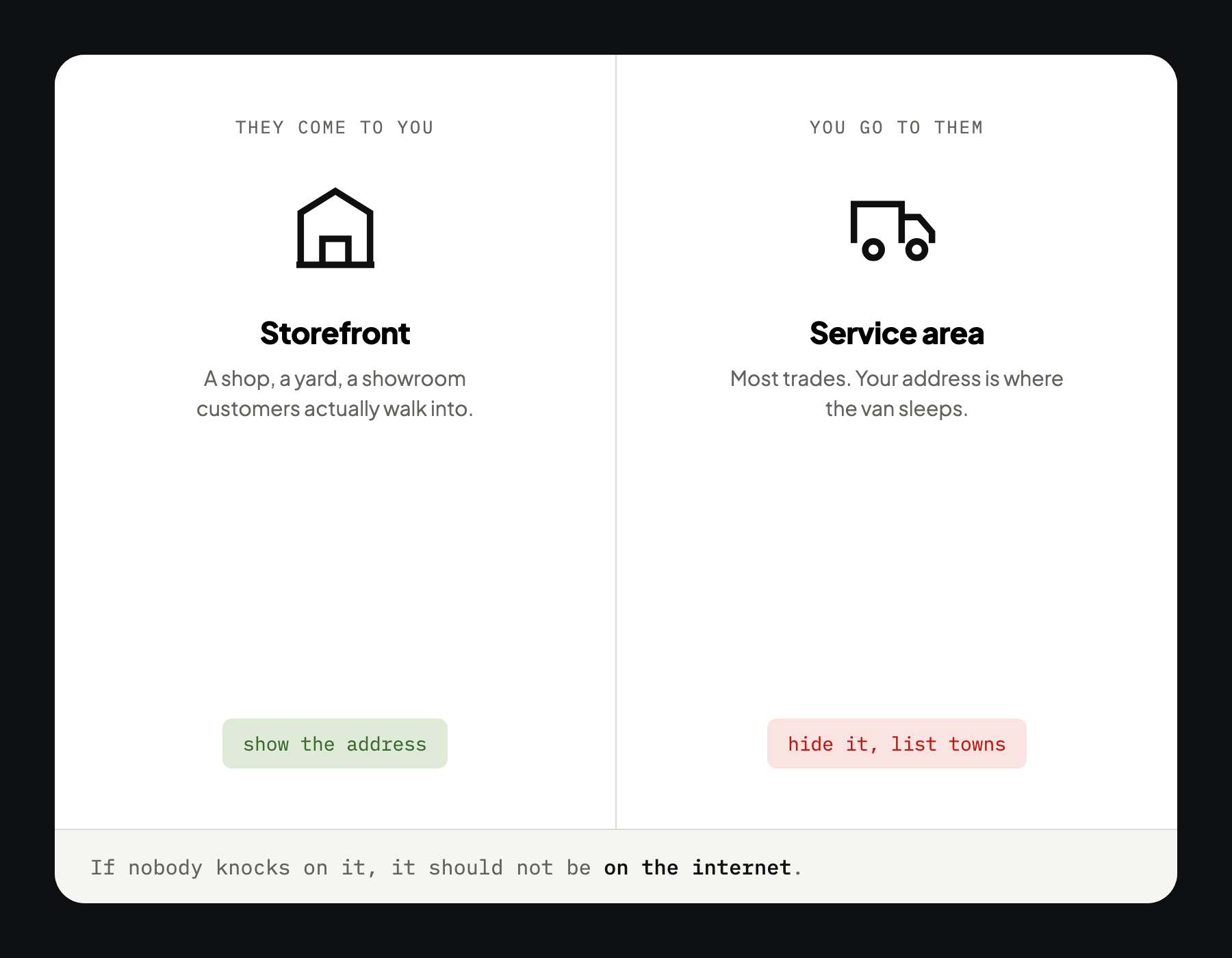
Short answer: if customers never visit you at that address, hide it and list service areas instead. That is Google's own guideline for service-area businesses, and showing a home or unstaffed address anyway risks suspension.
Which kind of business are you?
Google has two shapes, and everything follows from which one you are.
- A storefront. Customers come to you. A shop, a yard, a showroom, a clinic. Show the address
- A service-area business. You go to them. Most trades. Hide the address, list the areas
You can be both, a yard customers occasionally visit, plus call-outs across the valley. In that case show the address and set service areas as well.
What you cannot do is show an address customers never visit. That includes your house, a unit you store tools in, a mailbox, or your accountant's office. Every one of those is a suspension waiting to happen, and the suspension arrives without warning at a time of Google's choosing.
How to hide it
Profile › Edit profile › Location › Business location
Remove the address, then set your service areas underneath. The address stays with Google for verification. It stops being on display.
If you are hiding a home address that has been public for years, do it today rather than at the weekend. It is the sort of thing that gets left.
Setting service areas properly
Google allows up to 20 areas. Use far fewer.
- List towns, not a radius. A radius is a circle drawn on a map. Towns are how people search
- List only where you actually go. Naming half the province does not make you visible across half the province. It dilutes the ones that matter
- Put the town you are in first, then outwards
- Do not list a town to compete there. Distance is one of the three factors Google names, and it is measured from where you are, not from where you said you would drive
That last one disappoints people. The service-area list tells Google where you work. It does not relocate you.
Four mistakes that cost you
Leaving a home address visible
Beyond the suspension risk, your home address is now on the internet attached to your name and phone number, permanently, for anyone with a grudge and an afternoon.
Using a mailbox or virtual office
Google's guidelines exclude both, and they are well known to the people who review appeals. It is one of the more reliable ways to lose a listing.
Sharing an address with another business
Two businesses at one address invites a merge or a suspension, particularly if the categories are similar. If you sublet a corner of somebody's yard, this applies to you.
Setting the areas and forgetting them
You stopped going out past the lake two winters ago. The profile did not notice. Now you are taking calls you turn down, which is a bad use of everyone's morning.
Does hiding it hurt your ranking?
No, and the worry is understandable.
Google still knows your registered address and still measures distance from it. Hiding it changes what the public sees, not what the algorithm uses. What it does change is the customer's impression: a profile with a service-area list reads as a business that comes to you, which is what you are.
Do not keep switching. Flipping between a visible address and a hidden one, or repeatedly redrawing your areas, is a good way to get a profile looked at by a human. Set it correctly once and leave it.
See where you stand
We will tell you whether your location settings match how you actually work, and what else on the profile is holding you back. Free, before you pay us anything.